
Laptop and computer repairs in Pretoria
Tell us your device, fault and location. We coordinate screen, power, overheating, storage, software and upgrade enquiries with independent repair technicians.
Call 079 361 3979WhatsApp usLaptopDoctor coordinates enquiries with independent repair technicians. Availability, assessment, quotation and workmanship terms are confirmed for each job.
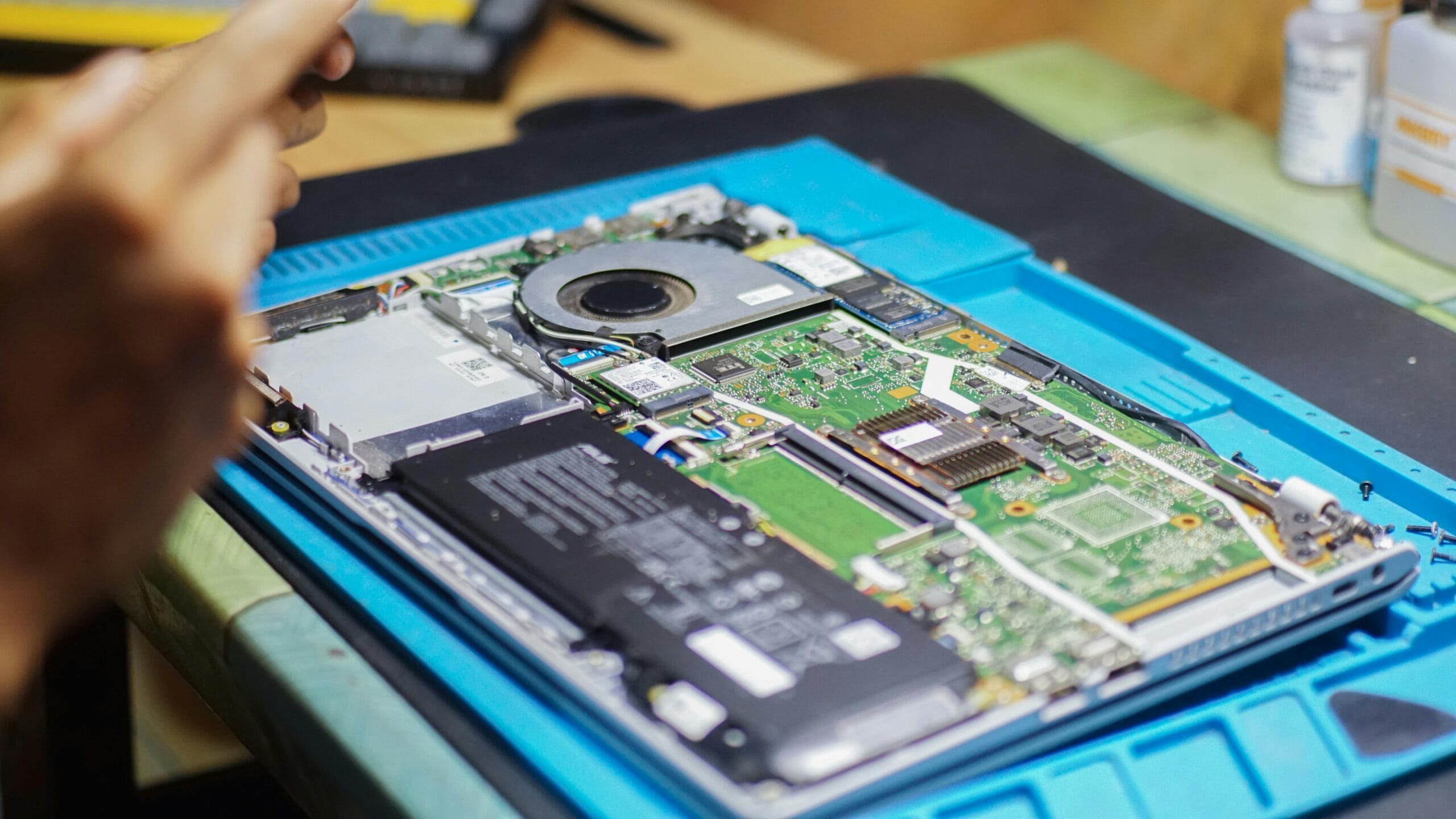
Help with common laptop and computer faults
From damaged hardware to slow performance, send the device details and symptoms so the appropriate repair option can be discussed.
Cracked or blank screens, keyboard faults, broken hinges and trackpad problems.
Battery faults, loose charging ports, no-power issues, loud fans and thermal problems.
SSD and RAM upgrades, slow startup, software issues, Windows reinstallations and data enquiries.
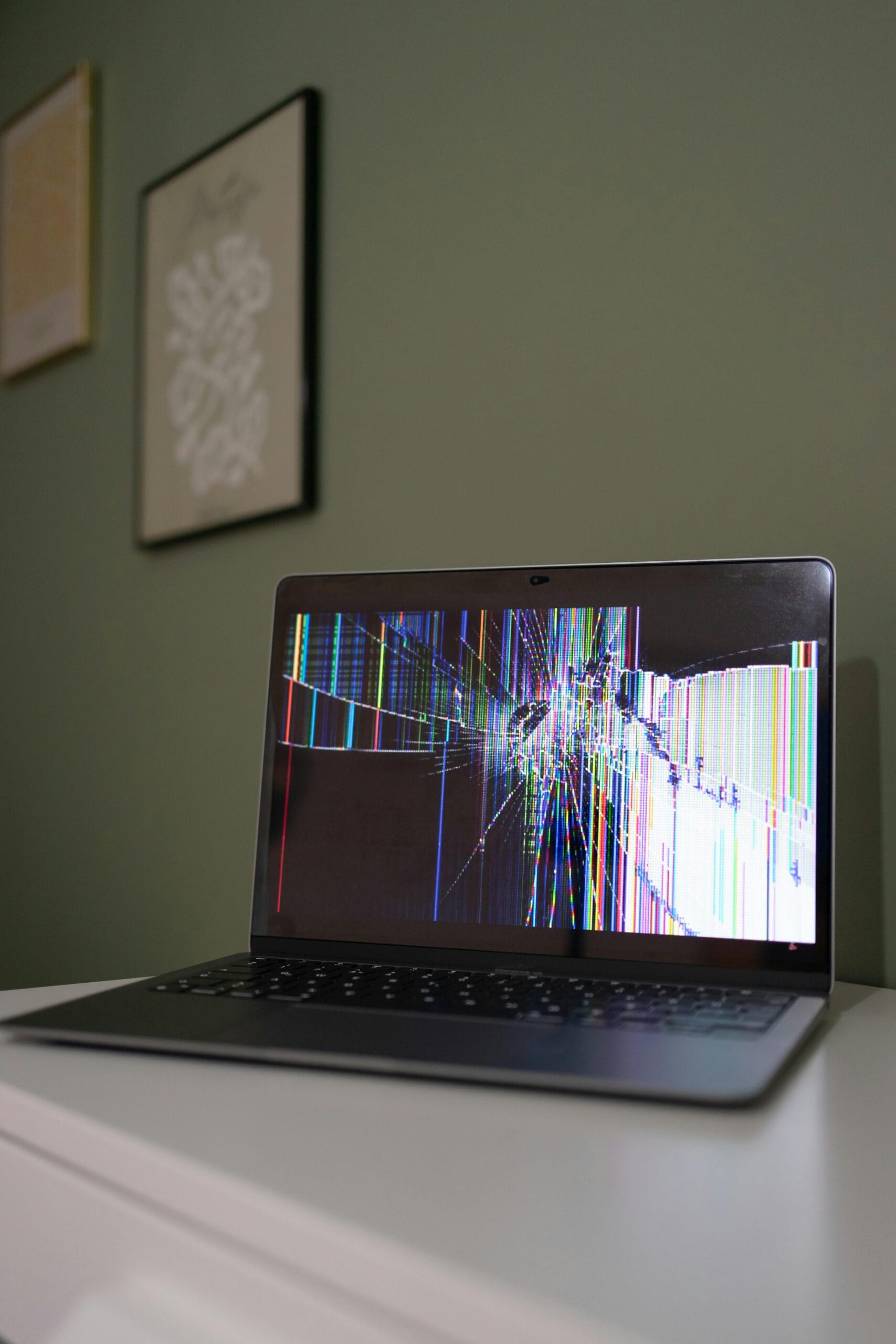
What to include in your enquiry
- Laptop or computer brand and model
- The symptoms or error message
- Whether the device still powers on
- Your Pretoria suburb or location
- Any recent liquid, impact or power damage
- Whether important data needs protection
Repair services and device types
Support enquiries for HP, Dell, Lenovo, Acer, ASUS, Apple MacBook and other common brands.
Startup faults, upgrades, overheating, graphics issues, power supplies and custom computer enquiries.
Repair enquiries for students, remote workers, households and business computer users.
Common laptop repair tasks

Laptop repair questions
What should I do after spilling liquid on a laptop?
Switch it off, unplug the charger and avoid turning it back on. Prompt inspection reduces the risk of further short-circuit damage.
Why is my laptop overheating?
Blocked vents, dust, a failing fan or degraded thermal paste can reduce cooling. Continued overheating may slow the device or cause shutdowns.
Can an older laptop be made faster?
An SSD, additional RAM or software cleanup may help, depending on the model, condition and intended use.
Do you provide fixed prices online?
No. Repair pricing depends on diagnosis, model, parts and technician availability. A quotation should be confirmed before work begins.
Explore repair information
Need help with a laptop or PC?
Send the brand, model, fault and location.