Our Repair Portfolio – Real Laptop & Computer Repairs in PretoriaLaptop Doctor Portfolio

Call us on
Our Work

Real Repairs for Real People

We don’t just fix laptops — we rescue critical data, save student deadlines, and keep Pretoria homes and businesses running.

Here’s a look at some of our recent laptop, desktop PC and computer repair projects in Pretoria.

Project: Liquid Damage Recovery – MacBook Air

The Problem
A student from UP (Tuks) accidentally knocked a full mug of coffee over their MacBook Air just two weeks before final exams. The laptop went completely dead, and their entire semester’s notes were not backed up.

Our Solution
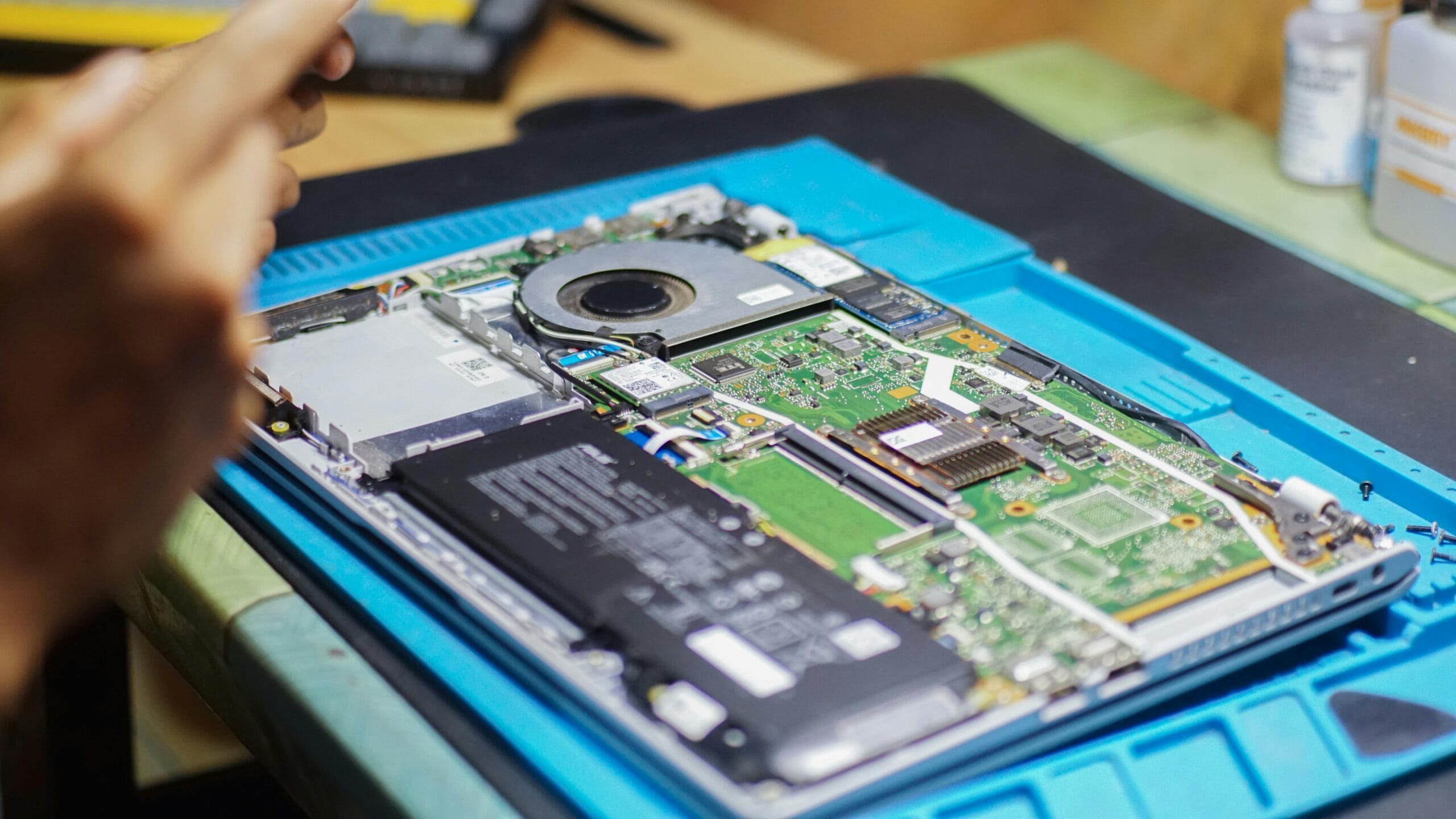
We rushed the machine to the repair bench, stripped it completely down, and ran the motherboard through our ultrasonic cleaning process to remove corrosive coffee residue. After drying, we repaired two shorted micro-capacitors on the logic board under a microscope.

The Result
The MacBook booted perfectly. No data was lost, and the student was back to studying within 24 hours — at a fraction of the cost of a new Apple motherboard.

Project

Project: Reviving an Office’s Slow Laptops – HP ProBooks

The Problem
A small accounting firm in Menlyn complained their 4-year-old company laptops took 10 minutes to boot and open Excel, hurting productivity.

Our Solution
Instead of recommending new devices, we upgraded all 5 laptops from mechanical hard drives to high-speed SSDs and cloned their existing systems so no files or software were lost.

The Result
Boot times dropped from 10 minutes to under 20 seconds.
The business saved over R40,000 by upgrading instead of replacing their computers.

Project: Screen & Hinge Rebuild – ASUS Gaming Laptop

The Problem
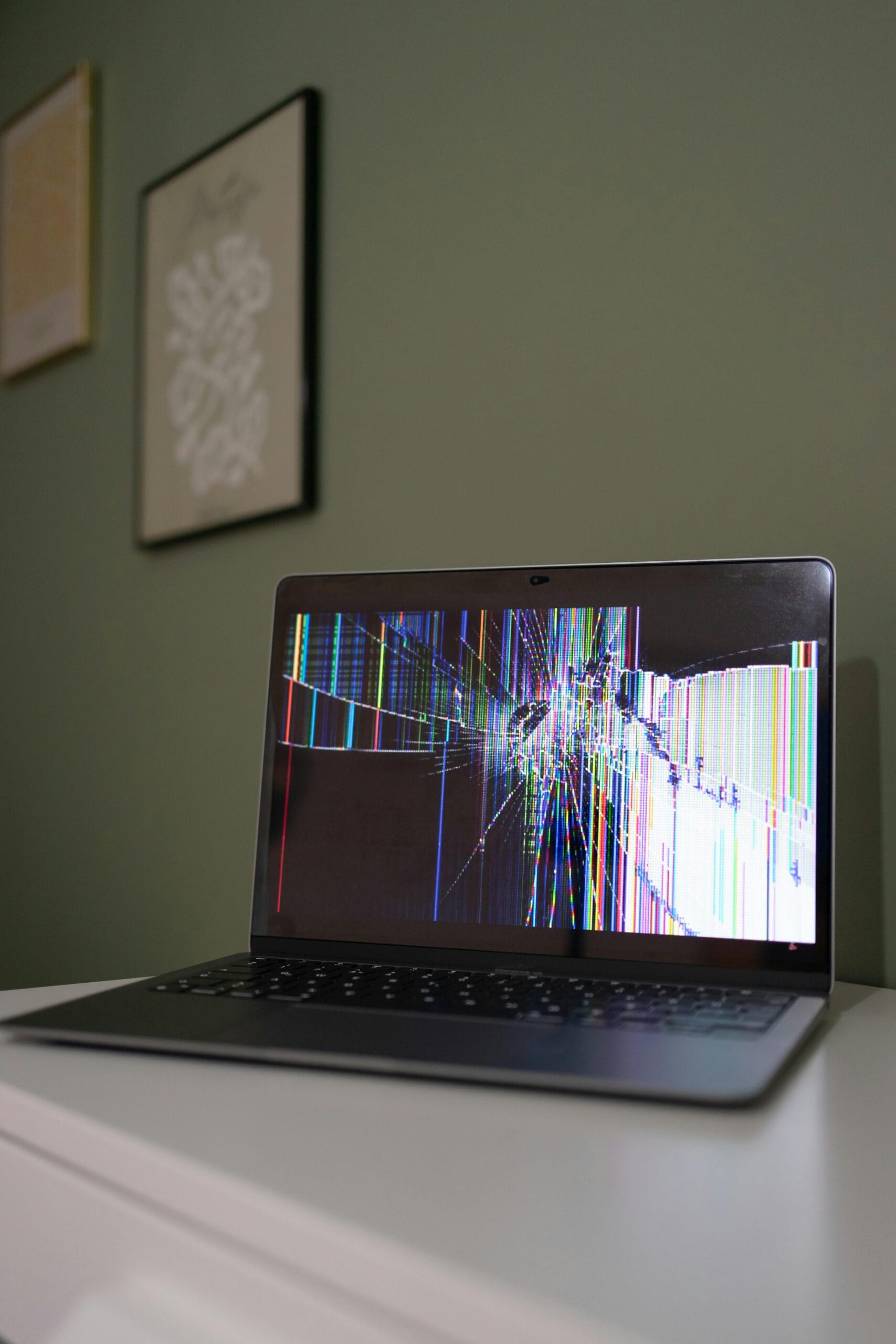
A customer from Pretoria East dropped their backpack, causing the metal hinges to rip out of the chassis and shatter the display.

Our Solution
We sourced a high-refresh-rate replacement screen and used advanced structural bonding to permanently anchor the hinges back into the reinforced chassis.

The Result
The laptop opened and closed smoothly again, and the display looked brand new. The client was back to gaming by the weekend.

Project

Project: Overheating & Crashing – Dell Inspiron

The Problem
A remote worker in Centurion reported constant fan noise and random shutdowns every 30 minutes.

Our Solution
We found the cooling system blocked with dust and pet hair, and the thermal paste had dried out. We deep-cleaned the cooling system and applied premium thermal compound.

The Result
Operating temperatures dropped by 25°C, the fan became quiet, and the crashes stopped completely.

Project: Slow Desktop Computer Upgrade – Home Office PC

The Problem
A Pretoria home office desktop computer took over 5 minutes to start and struggled with everyday tasks.

Our Solution
We upgraded the desktop PC with an SSD and additional RAM, then optimised Windows and removed unnecessary software.

The Result
Startup time dropped to under 15 seconds, and the computer felt faster than new — without the cost of buying a new PC.

Project

Project: Gaming PC Performance Upgrade

The Problem
A gamer experienced low FPS, lag and crashes in modern games.

Our Solution
We upgraded the graphics card, installed faster RAM, improved airflow and optimised system settings.

The Result
Game performance more than doubled, with stable high frame rates and improved cooling.

Laptop FAQ

Q: My laptop was splashed with water/coffee. What should I do immediately before bringing it in?

A: Turn it off instantly and unplug the charger. Do not try to turn it back on to “test” it, as this causes short circuits. Flip the laptop upside down like a tent to keep liquid away from the motherboard, and bring it to us as soon as possible. Avoid using rice, as it deposits dust and debris inside the components.

Q: How do I know if my laptop battery needs replacement or if it’s a charger problem?

A: If your laptop only works when plugged into the wall, or if Windows warns you with a “Service Battery” status, the battery likely needs replacement. If the laptop refuses to charge entirely, doesn’t light up when plugged in, or the charging cable feels loose inside the port, it is usually a faulty charging port (DC jack) or adapter.

: Can a cracked laptop screen be repaired, or does the entire display need to be replaced?

A: Modern laptop screens are sealed units, meaning the LCD or LED panel itself must be replaced if cracked or bleeding ink. However, we do not need to replace the entire top lid assembly or the housing—just the internal screen display panel, which keeps the repair highly affordable.

Q: Why is my laptop running extremely hot and making a loud buzzing noise?

A: This is usually caused by dust buildup blocking the cooling vents, or a failing internal cooling fan. When airflow is blocked, the thermal paste that transfers heat away from your processor dries out, causing the laptop to overheat and slow down to protect itself. A professional fan service and thermal paste replacement resolves this.

Q: Is it worth upgrading an older laptop, or should I just buy a new one?

A: If your laptop is less than 5 to 6 years old and has a solid chassis, upgrading from a mechanical hard drive to a Solid State Drive (SSD) and increasing the RAM can make it up to 5 times faster. This gives it a new lease on life for a fraction of the cost of buying a new machine.

Desktop PC & Gaming Computer FAQ

Q: My computer turns on, the fans spin, but there is no display on the monitor. What is wrong?

A: This common issue is usually caused by loose or dirty RAM modules, a failing power supply unit (PSU), or a faulty graphics card. Sometimes, it is as simple as the monitor cable being plugged into the motherboard’s video port instead of the dedicated graphics card port at the bottom of the tower.

Q: Why does my desktop PC randomly shut down or restart while I am gaming or working?

A: Random shutdowns under heavy workloads are almost always a safety measure triggered by component overheating (thermal throttling) or an unstable Power Supply Unit (PSU). Dust buildup in the CPU heatsink, dried thermal paste, or a graphics card drawing more power than the PSU can handle are the typical culprits.

Q: What is the difference between upgrading my RAM and upgrading my storage drive (SSD)?

A: Upgrading your RAM allows your computer to handle more tasks at the same time without slowing down, which is perfect for multitasking, gaming, and heavy web browsing. Upgrading to a Solid State Drive (SSD) improves the overall speed of the computer, making Windows boot up in seconds and causing apps and games to load instantly.

Q: My computer is making a clicking or loud grinding noise. Is it dangerous to keep using it?

A: Yes, you should back up your data and turn it off. A clicking noise usually indicates a mechanical hard drive is failing, which can lead to permanent data loss. A loud grinding or rattling noise is usually a failing cooling fan. While a bad fan won’t destroy data, it can cause components to overheat quickly.

Q: Can you build a custom desktop PC for gaming or office work if I provide the parts list?

A: Yes. We offer professional custom PC assembly services. Whether you want a high-performance gaming rig with liquid cooling and RGB lighting or a reliable, budget-friendly office workstation, we assemble the system, manage the cables cleanly, update the BIOS, install the operating system, and run stability tests.