
Laptop, Xbox & PlayStation Repairs in Empangeni
Help with laptop, computer and console faults. Send the device brand, model, symptoms and location so availability can be confirmed.
Call 079 361 3979WhatsApp usLaptopDoctor coordinates enquiries with independent repair technicians. Assessment, quotation, availability and workmanship terms are confirmed for each job.
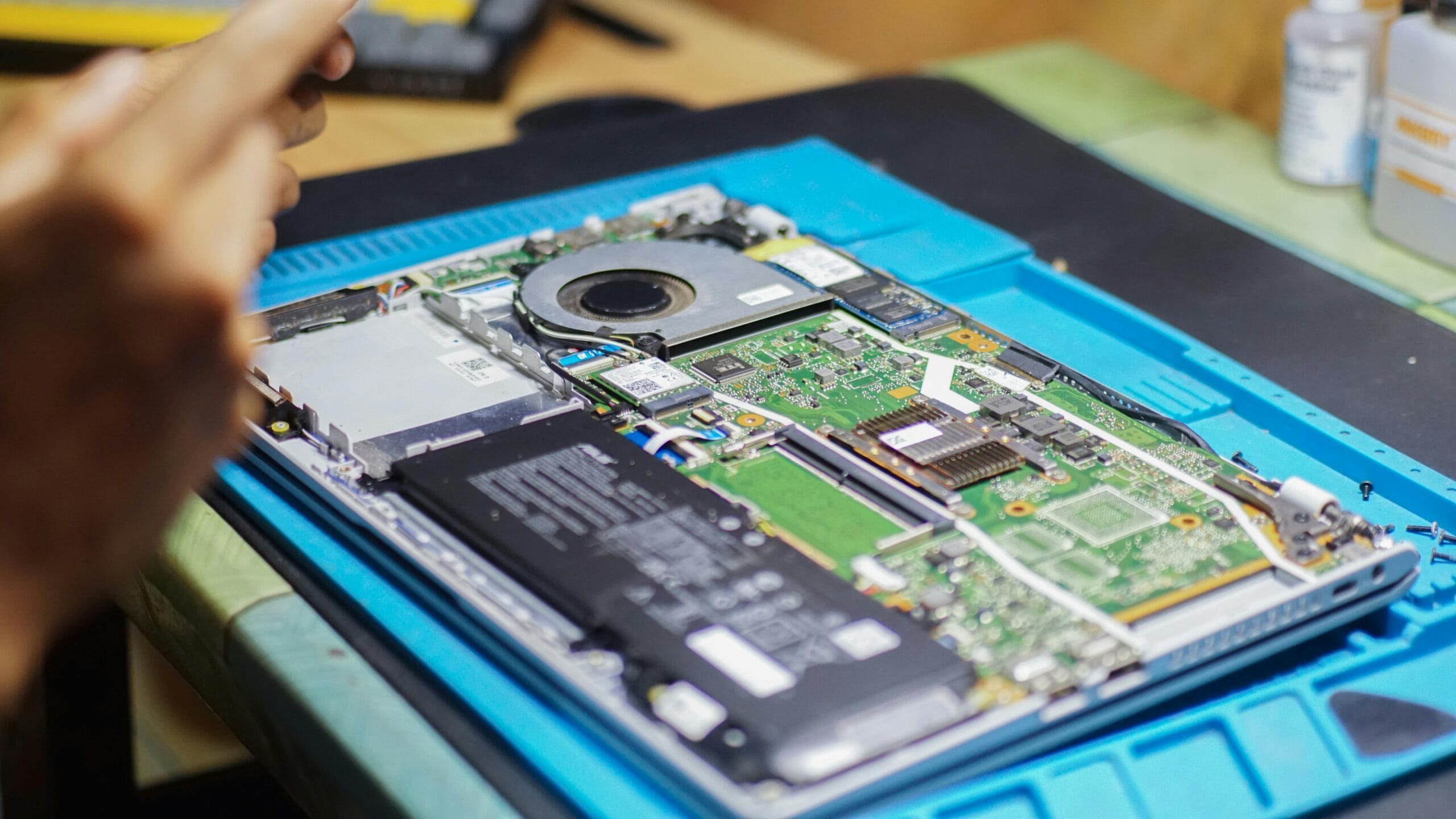
Help for the faults that interrupt your day
The right next step depends on the device, the symptoms and whether parts are available.
Cracked displays, missing keys, trackpad problems, damaged hinges and casing damage.
No-power faults, charging-port problems, rapid battery drain, loud fans and unexpected shutdowns.
SSD and RAM upgrades, slow startup, Windows problems, data enquiries and computer optimisation.
Common laptop repair tasks
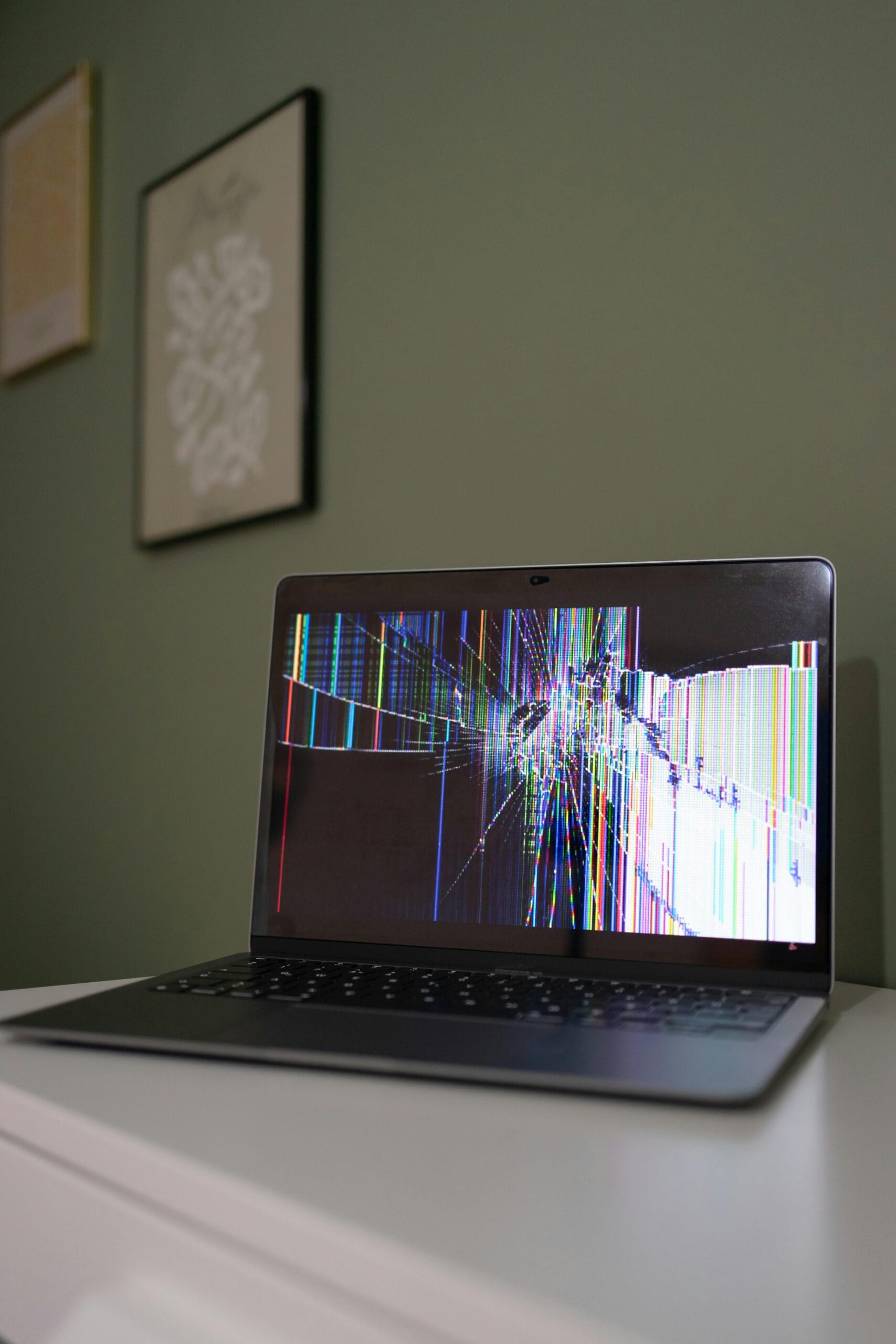

How to request repair assistance
Share the brand, model, symptoms and any error message or recent damage.
Your location and device details are used to check suitable independent technician availability.
Assessment findings, parts, timing, price and workmanship terms should be confirmed before repair work begins.
Information that helps with your enquiry
- Device brand and exact model
- Fault symptoms or error message
- Whether the device still powers on
- Your suburb, town or province
- Recent liquid, impact or power damage
- Whether important data needs protection
Laptop, Xbox & PlayStation Repairs in Empangeni enquiries
Use the call or WhatsApp options to describe the device and fault. LaptopDoctor uses the information you provide to check whether an independent repair technician is available for your location and device type.
No diagnosis, turnaround time or price is assumed from the page alone. These details depend on assessment, parts and technician availability and should be confirmed before work begins.
- Brand and model
- Fault symptoms
- Your location
- Photos of visible damage
- Whether important data is stored on the device
Repair questions
Can you give a repair price before inspecting the device?
Prices depend on the diagnosis, model, required parts and technician availability. Confirm a quotation before authorising work.
What should I do after spilling liquid on a laptop?
Switch it off, unplug the charger and avoid powering it on again until it has been inspected.
Can a slow laptop be upgraded?
An SSD, additional RAM or software cleanup may help, depending on the model, condition and intended use.
What information should I send?
Send the device brand, model, fault symptoms and your location. Photos of visible damage can also help explain the problem.
Explore repair services and areas
Need help with a device?
Send the brand, model, fault and your location.